DigiGeoData by EarthLabs
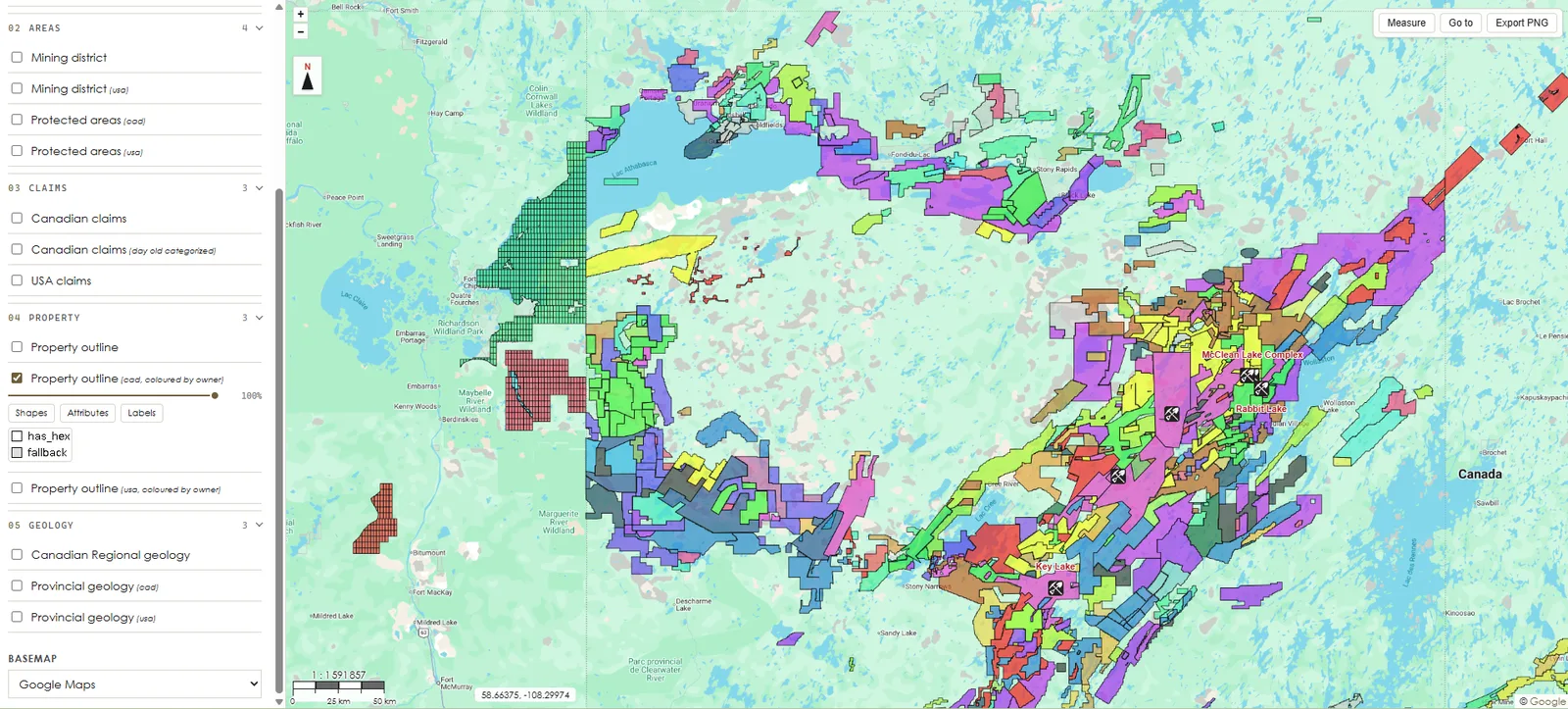
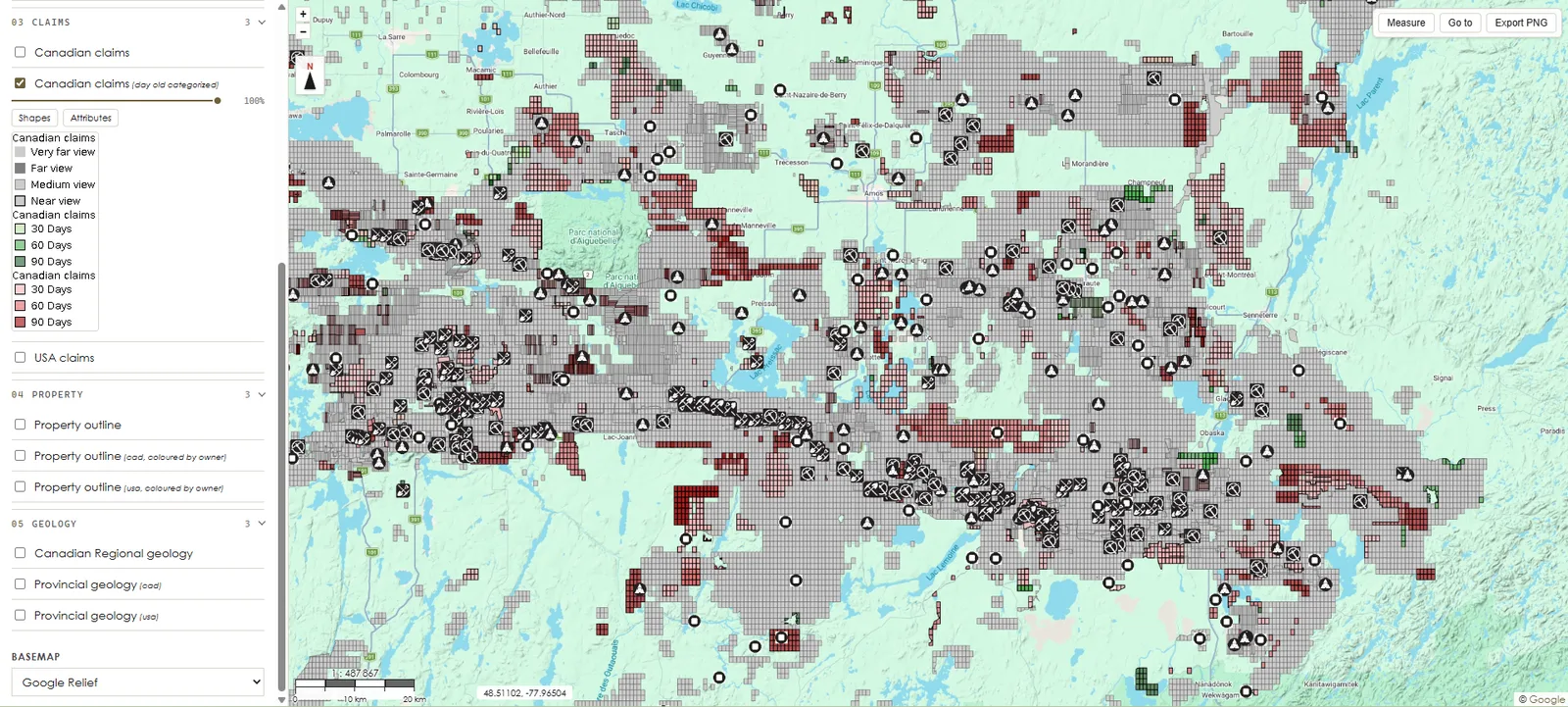
Mineral claims, property outlines and mining assets from across Canada and the United States, kept current and set against the geology, in one place. Your team spends its time deciding where to explore or acquire, not rebuilding the map.

Used by exploration and mining teams, from juniors to majors.
Figures measured on October 1, 2026.
Why it exists
Claims live in one registry per jurisdiction, geology in another, property data somewhere else — each with its own format, its own refresh, its own gaps. Before anyone can decide where to work, someone spends days putting it together, and the result is out of date the week after.
Our geologists do that part. They find the sources, harmonize the formats and attributes from one jurisdiction to the next, and keep claims, properties and assets up to date. You open one view that is already assembled, and your team goes straight to the analysis.
Your subscription buys back the time your team spends compiling — on every project, at every update.
How teams use it
The same data at every step. What changes is where it lands: a browser tab, your GIS project, or your own analysis.
See it · Viewer
Pan a claim block, click a property, read who holds it. No install, no licence file, no GIS experience.
See Viewer plans
Integrate it · GIS integration Essential
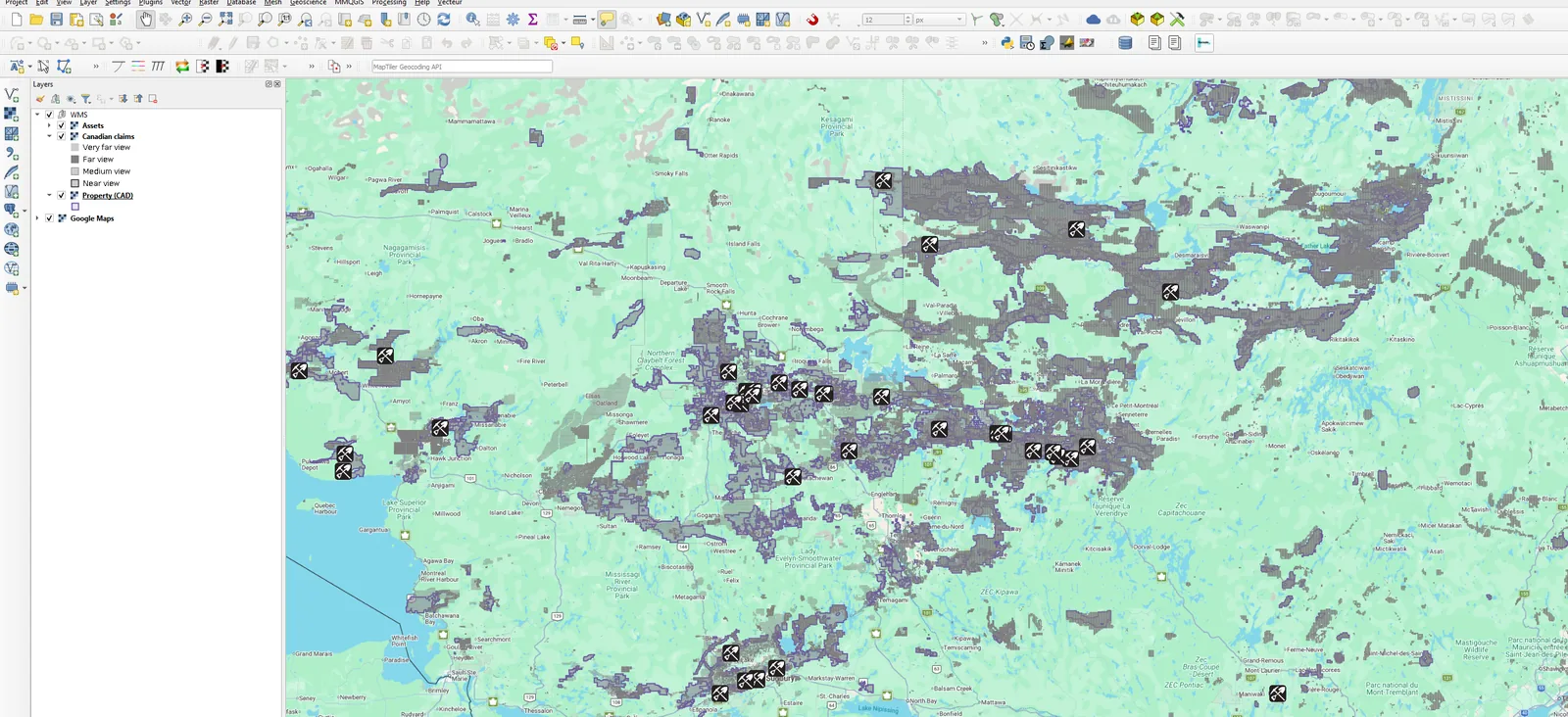
The layers draw over your own basemap and under your own drill holes, always current. Nothing copied to disk, so nothing goes stale.
See Essential plans
Work the data · GIS integration Pro
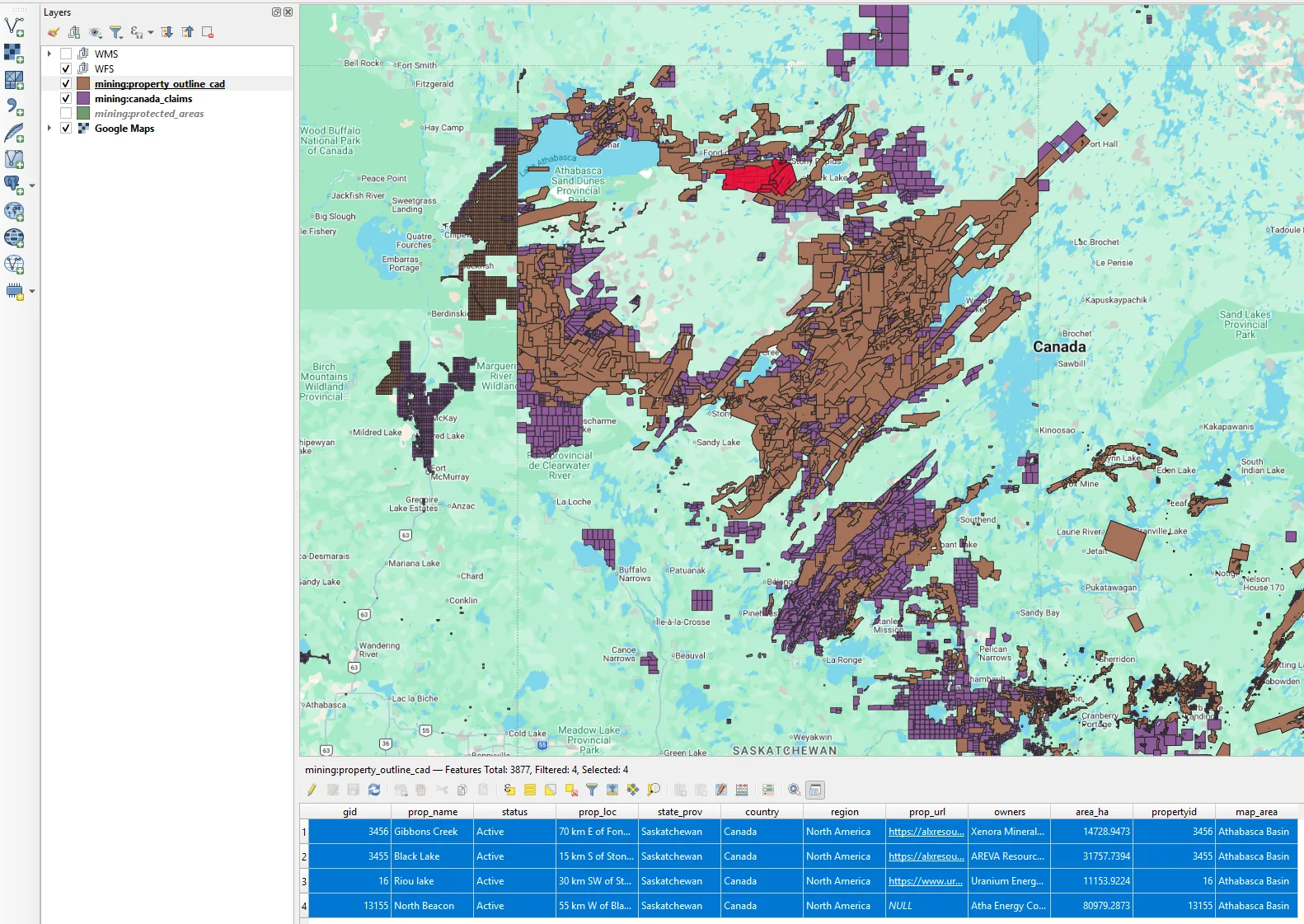
Claims and property outlines: select, measure, intersect, export, straight into your own models and reporting. Confirmed after a short call about how the data will be used.
See Pro plans
If it looks right
Everything that happens, in full — so there is nothing to find out afterwards.
A name, an email, a password, and whether you'd rather try the viewer, your own GIS, or both. No card, no call to book.
Every Canadian layer we serve — claims, property outlines, mining assets, geology and protected areas — on a Québec sample, in the browser viewer and in your own GIS. The depth is the real one; only the ground is limited.
Pick your access and your ground, and subscribe or ask for a GIS integration Pro quote. If you'd rather leave it, access stops on its own.
Nothing renews on its own. Ten days, then it stops unless you say otherwise.